AI Photo Prompt Generator
Build perfect prompts for ChatGPT, Midjourney & Gemini — free. Choose style, lighting and mood. Copy in one click.
Trusted by photographers, designers and creators
Used to generate over 100,000 prompts by photographers, graphic designers, social media creators, and AI enthusiasts worldwide.
“Finally a tool that formats prompts correctly for Midjourney. The Cinematic style is my go-to for every client shoot.”
“I've tried every prompt generator out there. This one actually understands the difference between tools. The Ghibli prompts are insanely accurate.”
“Free, fast, no account needed. I use it every single day.”
What is an AI photo prompt?
An AI photo prompt is a text instruction that tells an AI image generator — like ChatGPT 4o, Midjourney, or Google Gemini — exactly what image to create. The quality of your prompt directly determines the quality of your result.
Each AI tool speaks a different “language.” ChatGPT responds best to natural descriptive sentences. Midjourney prefers short comma-separated keywords with flags like --ar 16:9 or --v 7. Gemini needs clear scene and lighting descriptions. Our generator handles all formatting automatically — you pick the style and mood, we write the prompt in the exact syntax each tool expects.
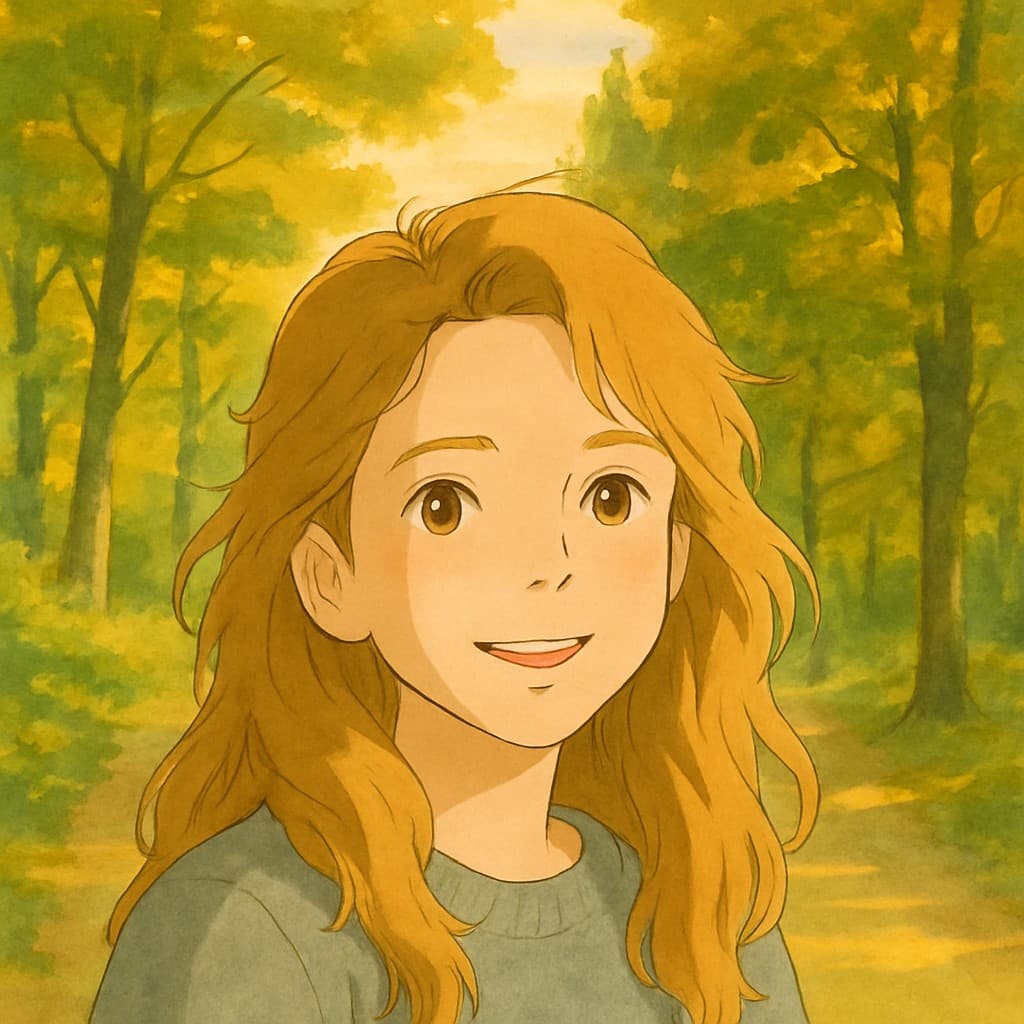
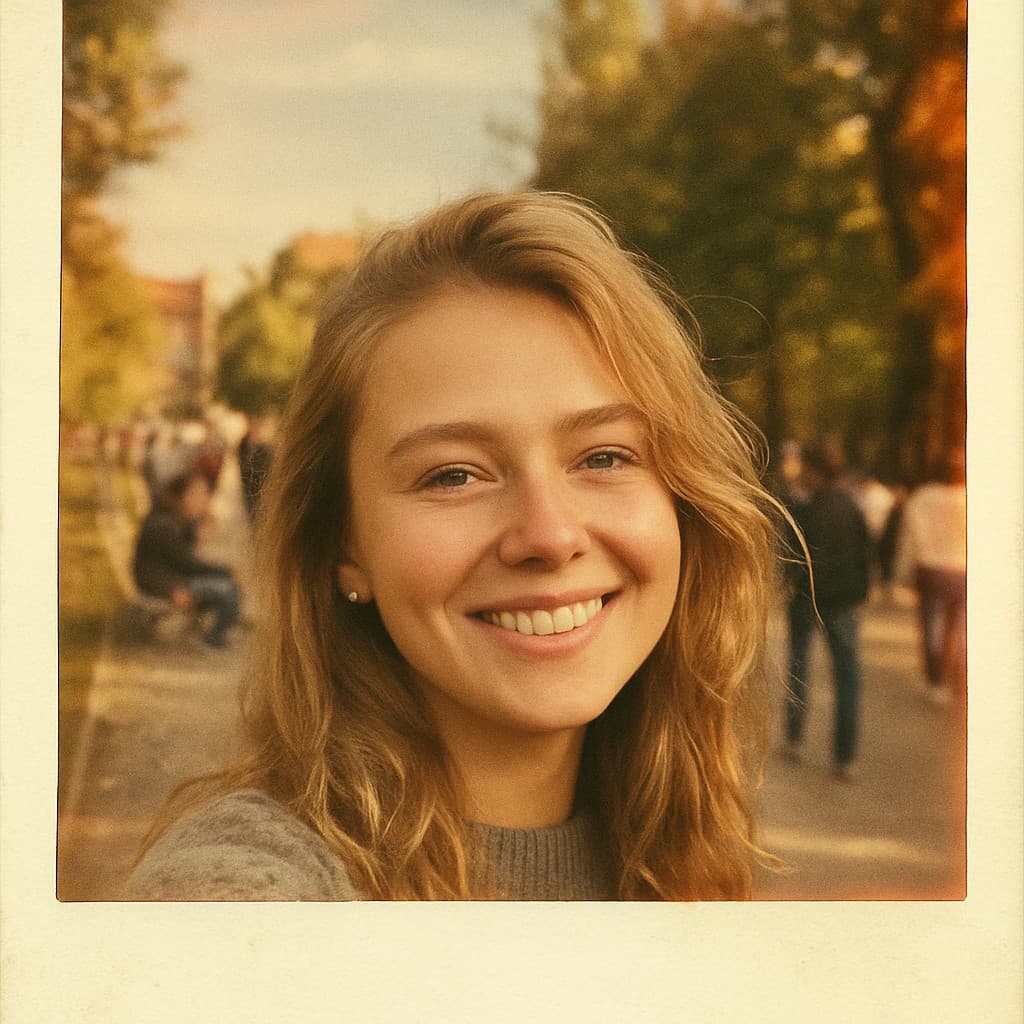
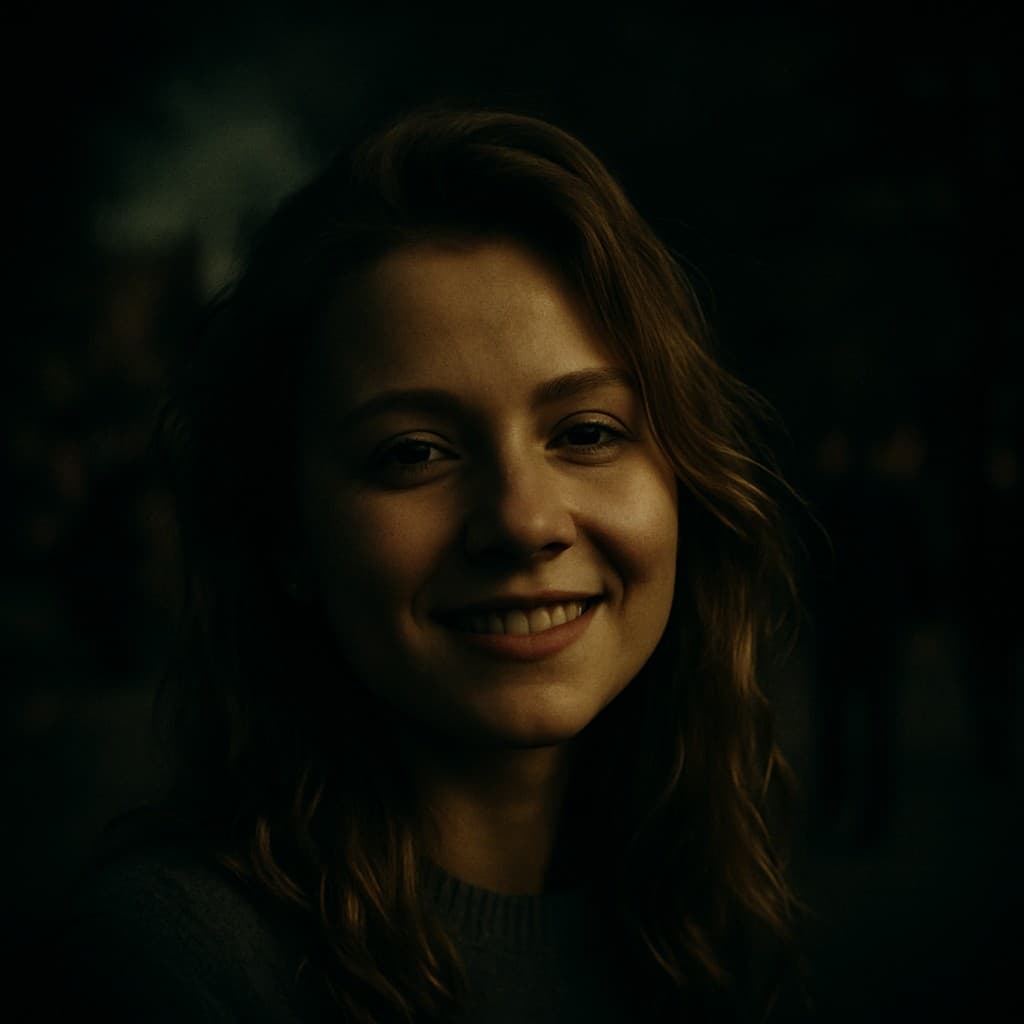
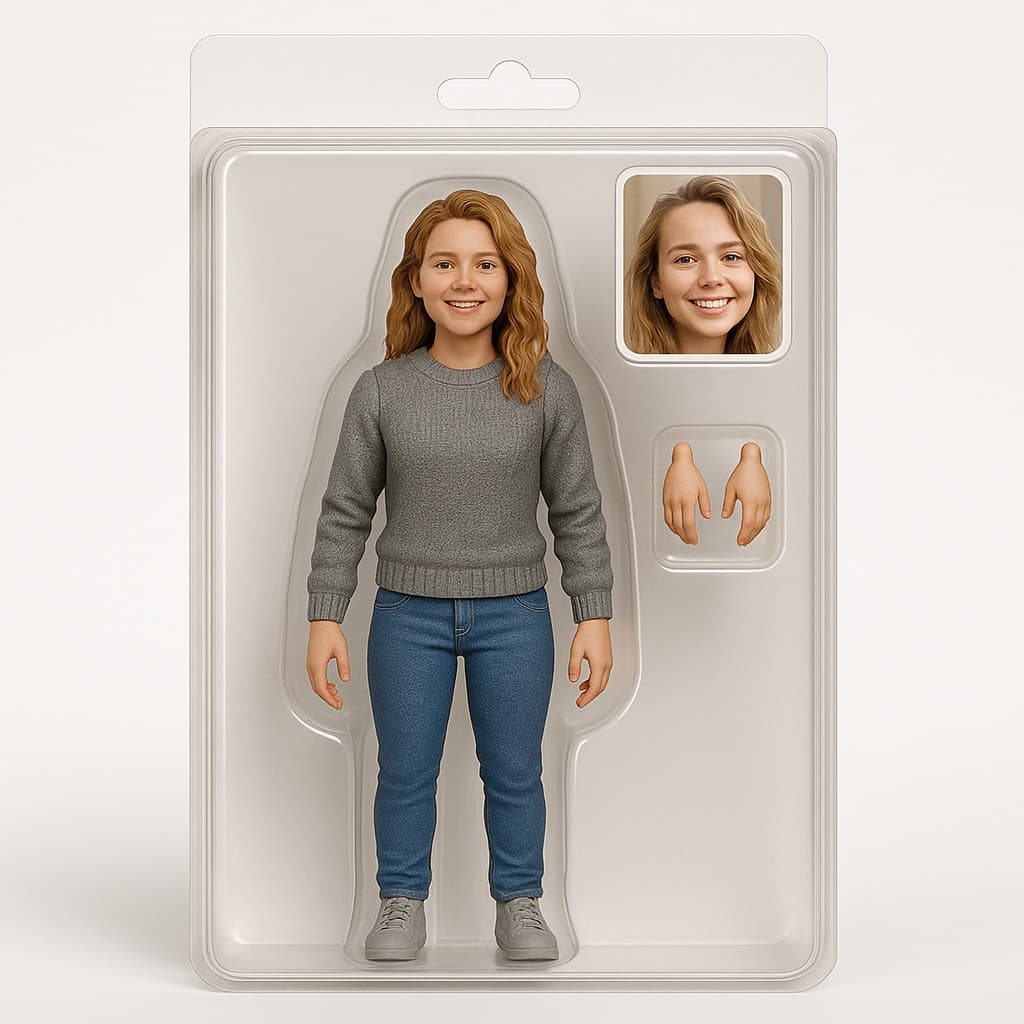
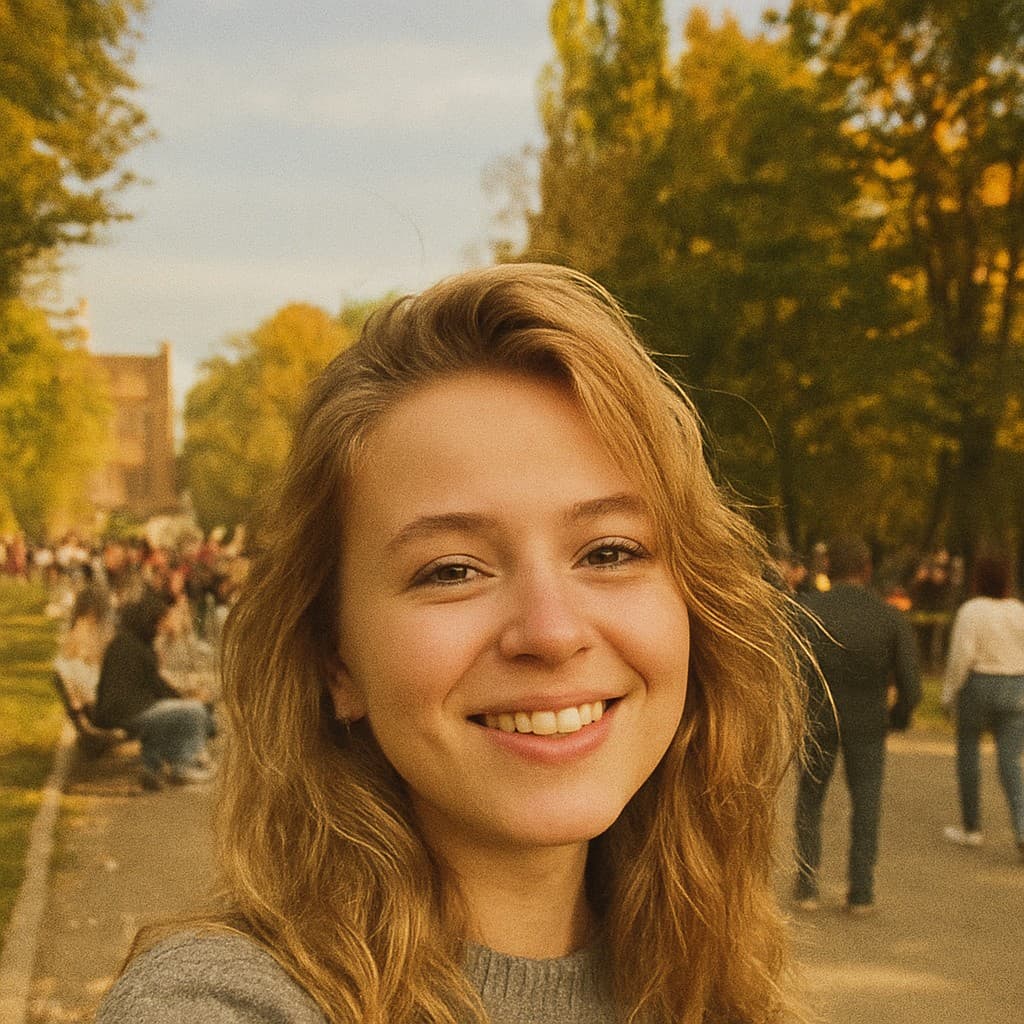
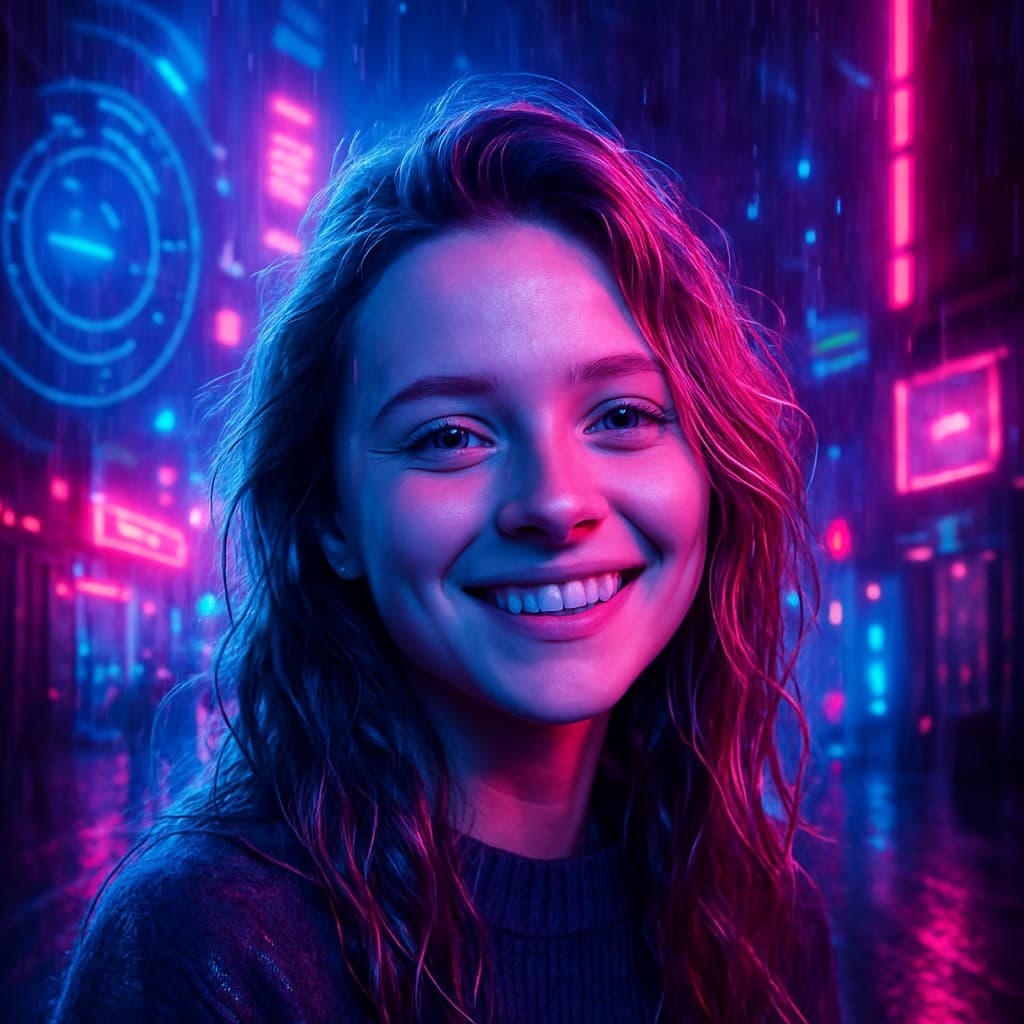
Choose from 10+ visual styles — Studio Ghibli, Cinematic, Polaroid, Anime, Cyberpunk and more — then refine lighting, camera angle and intensity. Copy your prompt in one click and paste it into any AI tool.
How it works
How to Generate AI Photo Prompts
01
Pick your style
Choose from Ghibli, Cinematic, Polaroid, Anime and 10+ styles.
02
Set the mood
Dial in lighting, mood, detail and camera for your shot.
03
Copy & generate
One click copies a perfectly formatted prompt for your AI tool.
For every subject
AI Photo Prompts for Every Subject
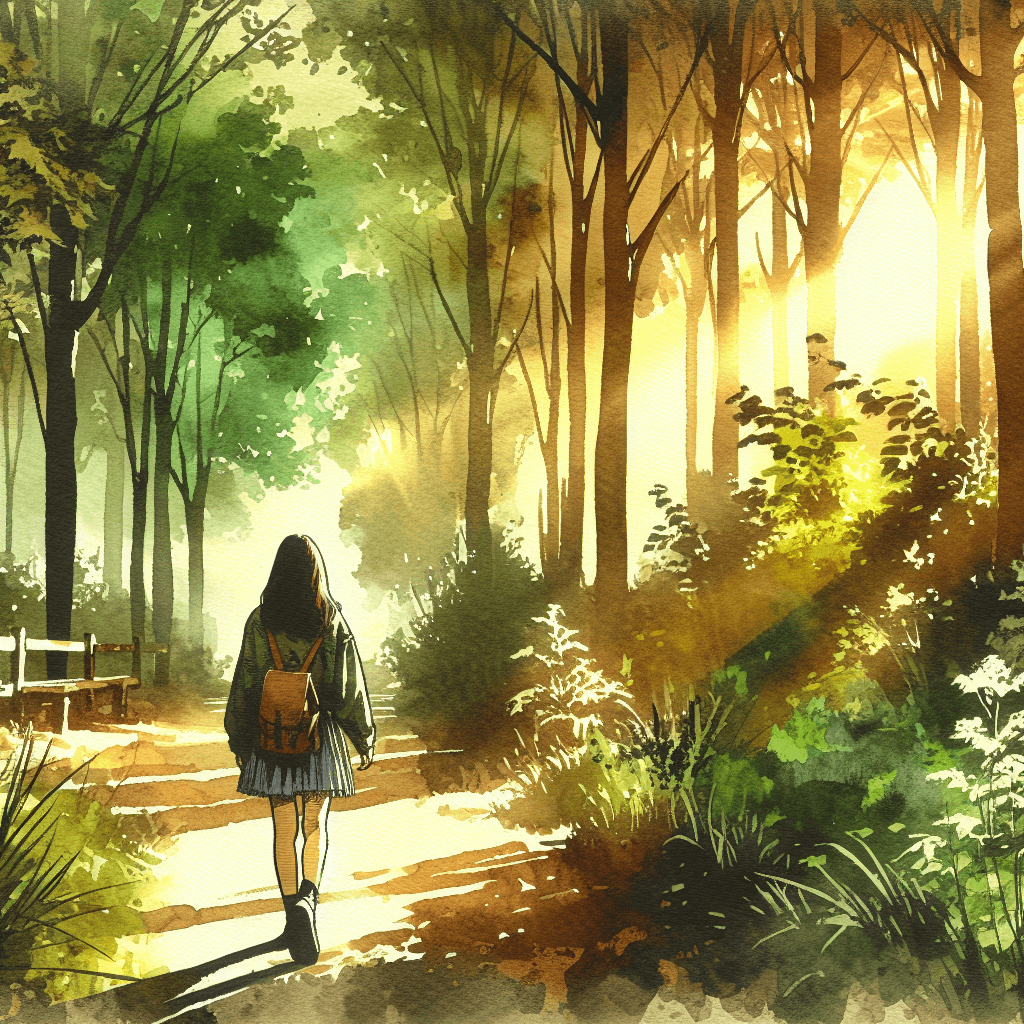
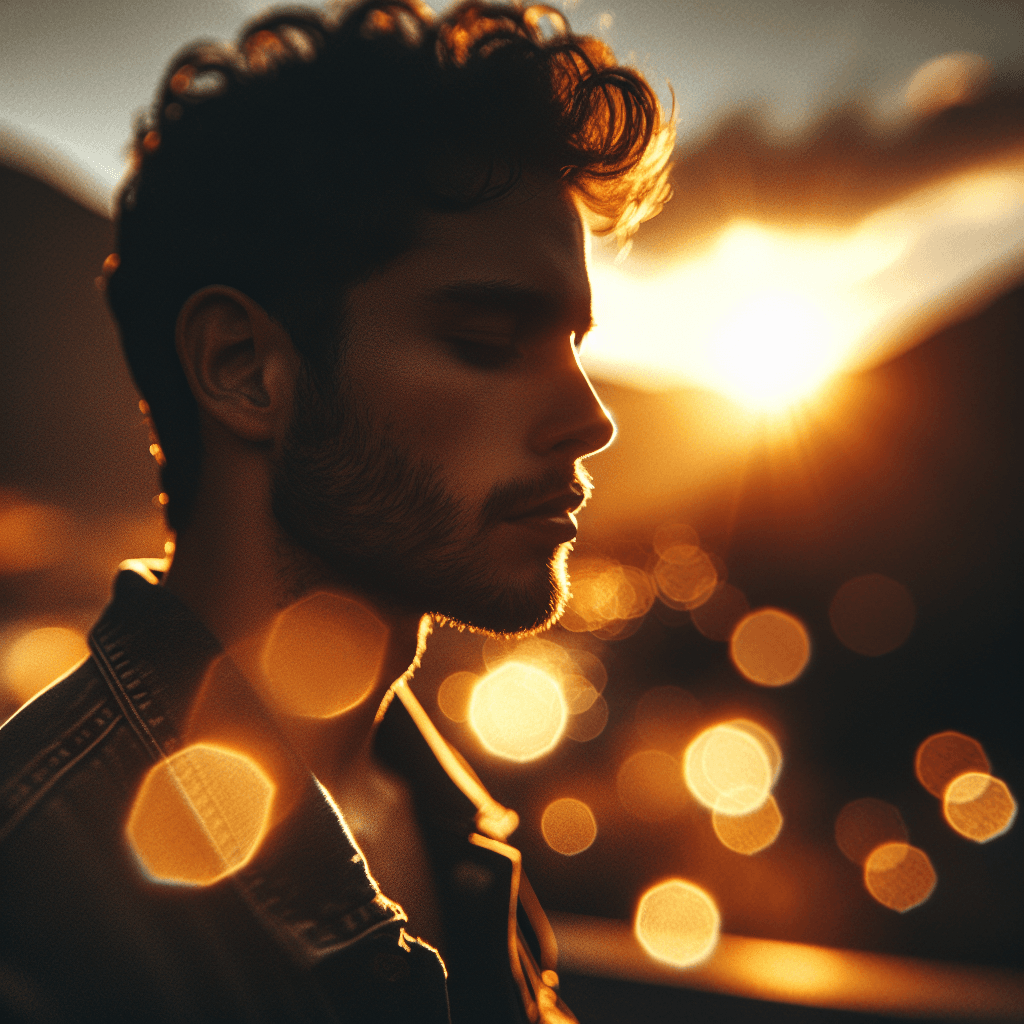
See it in action
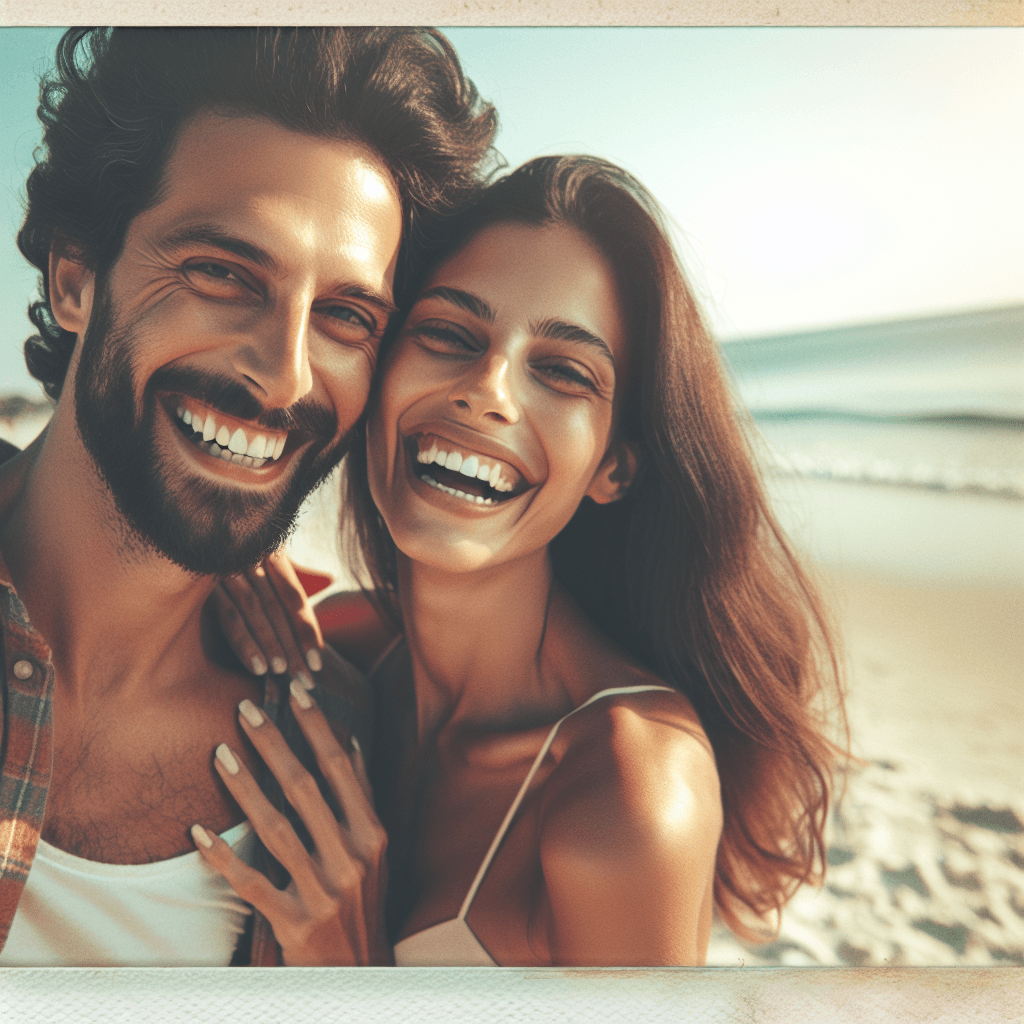
Real AI photo prompts, real results.
Works with
ChatGPT vs Midjourney vs Gemini: Which AI tool is right for you?
Not all AI image generators are equal — and the prompt format that works brilliantly in one tool can produce mediocre results in another. Here’s what you need to know before you start.
ChatGPT 4o
The most beginner-friendly option. It understands natural, conversational language and delivers consistent results with minimal prompt engineering. Ideal if you want a realistic photo of a person, a product shot, or a scene described in plain English. ChatGPT works best with full descriptive sentences: “a close-up portrait of a young woman in golden hour light, shallow depth of field, film grain.”
Midjourney
Produces the most visually striking and stylistically consistent results. It uses a shorthand syntax built around comma-separated keywords and parameter flags like --ar 16:9, --v 7, and --style raw. Midjourney rewards specificity — the more precisely you describe lighting, camera angle, and mood, the better the output. It's the industry standard for creative directors and photographers.
Google Gemini
Sits between the two: it handles natural language well but benefits from explicit scene and lighting descriptions. Gemini is particularly strong at architectural scenes, nature photography, and images requiring accurate color reproduction.
FLUX
An open-source model known for photorealistic skin texture and fine detail rendering. It performs best with concise, highly descriptive prompts and excels at portrait and product photography.
Our generator automatically formats your creative intent into the correct syntax for each tool — so you never have to think about flags, parameters, or prompt structure. Pick your style, describe your subject, and get a perfectly formatted prompt for whichever AI tool you prefer.
How to write a good AI photo prompt
The difference between a mediocre AI image and a stunning one is almost always the prompt. A vague prompt produces a generic result. A precise, structured prompt gives the AI exactly what it needs to generate something exceptional.
Start with the subject
Be specific about who or what is in the image. "A woman" is weak. "A woman in her 30s, sharp cheekbones, natural freckles, looking slightly off-camera" gives the AI a clear target.
Define the lighting
Lighting is the single most impactful element in photography — and it works the same way in AI. Specify the light source (golden hour, studio softbox, neon backlight), its direction (front-lit, rim light, side-lit), and its quality (soft and diffused, hard and dramatic).
Set the mood and atmosphere
Words like "melancholic," "nostalgic," "tense," or "serene" directly influence the color palette, contrast, and composition the AI generates. Don't skip the emotional layer.
Choose a style or reference
Cinematic, Polaroid, Studio Ghibli, 3D Figurine — each style carries a specific set of visual rules the AI understands deeply. Using a named visual style is one of the fastest ways to elevate your results.
Specify the camera
Mentioning lens type (35mm, 85mm portrait lens, wide angle), aperture (f/1.8 for bokeh, f/8 for sharp landscapes), and shot type (close-up, full body, overhead) dramatically improves composition.
Our prompt builder handles all of this automatically. You make creative choices; we translate them into structured, tool-specific prompt language.
FAQ
Frequently Asked Questions About AI Photo Prompts
What AI tools does this work with?
ChatGPT 4o, Midjourney v7, Google Gemini, FLUX, and DALL-E. Each prompt is formatted to the syntax that tool works best with.
Is it really free?
Building and copying prompts is 100% free, forever. No account, no credit card. Paid credits are only needed if you want to generate the image directly on this site.
Do I need to upload a photo?
No. The prompt builder is entirely text-based. You copy the prompt and paste it into your AI tool of choice.
Why does the prompt look different for each AI tool?
Each tool expects a different format. ChatGPT responds best to natural sentences. Midjourney prefers short keywords with flags like --ar and --v. We format the same creative intent correctly for each.
How do I get the best results?
Start with Intensity at 100, then use the Full Builder for fine control over lighting and camera settings. The ready-made prompts on each style page are pre-tested and tend to produce great results.
Ready to build your prompt?
Free, no account needed. Works with ChatGPT, Midjourney, Gemini and FLUX.
Build a Prompt — Free